Get your site listed in 37 directories — one form at a time.
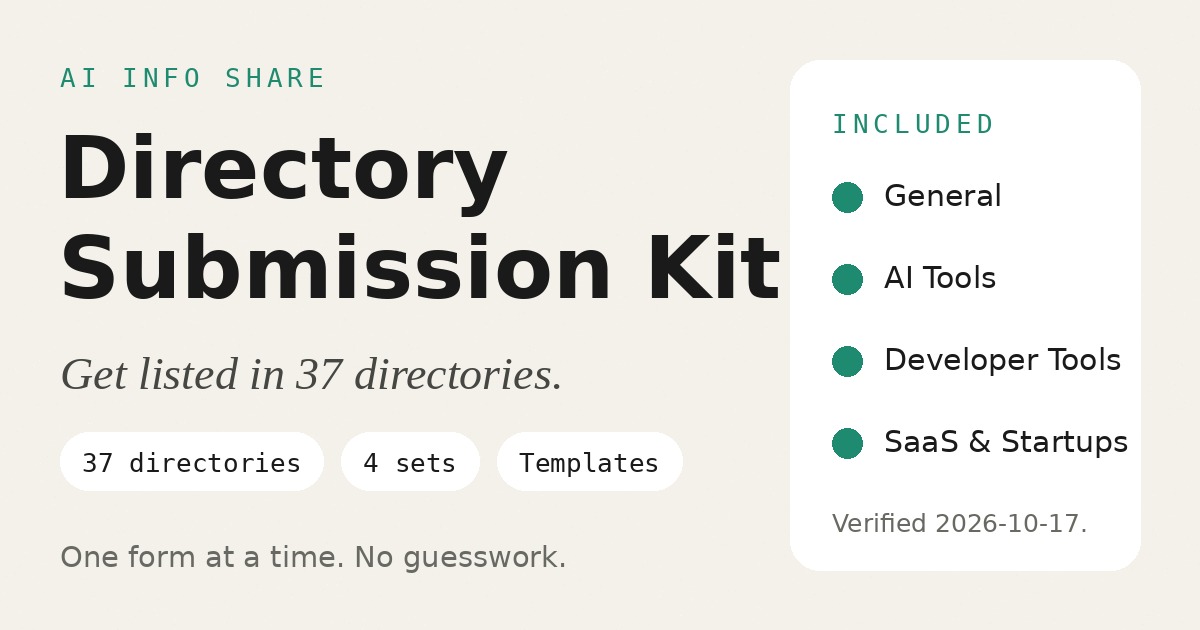
37 verified directories · 4 sets · templates + field maps + tracker
Paying with Alipay? If you aren’t returned here after payment, check your email for the download link.
Format: ZIP · Instant download
Also available
Site Audit Kit — SEO + AI Visibility Audit — 40+ checks, 5 layers, 2 separate scores. $29.90.
See the audit kit →Directories are websites that list other websites by topic. When a directory accepts your site, you get a public listing page with your site name, a description in your own words, and a link back to your site.
This kit gives you the addresses, the wording, and the tracking for 37 of them — across 4 sets: General, AI Tools, Developer Tools, and SaaS & Startups. Every entry was checked by opening its submission page on 2026-10-17. You submit by hand, one directory at a time.
For indie developers, solo founders, and small teams with a live site who want to be listed where people already browse for tools.
Why this kit
- Verified by opening each page: every directory was included only after its submission page was opened and read on 2026-10-17 — live form, stated fields, review status. Where a page did not state something, the entry says so instead of guessing.
- Three lengths per set: tagline, short, and long templates, written for that set’s kind of site, each with a bad-vs-good example pair.
- Field maps: per-directory tables showing what each form asks for, what is required, and the limits the page states.
- Tracker: a submission tracker (CSV + guide), one row per submission, from submitted to live.
- 16 pitfalls: rejection reasons, automation traps, badge and link-back rules, accuracy checks.
- All manual: no automation, no script, no bulk-submission feature. You submit each one yourself.
- No promises: no promise of approval, traffic, rankings, signups, or sales. A listing is a chance to be found, not a result.
- No Product Hunt / Show HN: launch platforms with their own rules, deliberately left out.
What’s included
1. Four sets — 37 verified directories
| Set | Directories | Who it fits |
|---|---|---|
| General | 8 | Any website |
| AI Tools | 11 | AI tools and products |
| Developer Tools | 10 | Developer tools, CLIs, libraries, APIs |
| SaaS & Startups | 8 | SaaS products and startups |
Each set contains four files:
directories.md— the verified list: submit URL, review status, fields, and limits, exactly as the page showed on the verification date.templates.md— copy templates in three lengths (tagline, short description, long description), written for that set’s kind of site, each with a bad-vs-good example pair.field-requirements.md— per-directory field table: what to fill in, what is required, and the limits the page states.verification-log.md— how each directory was checked, and why any candidate was left out.
2. Shared files
README.md— what the kit is, how to use it, and what it does not do.HOW-TO.md— the step-by-step manual: prepare, pick a set, trim copy to each form, submit by hand, follow up.PITFALLS.md— 16 pitfalls: what gets submissions rejected and what wastes your time.submission-tracker.csv+submission-tracker.md— the tracking sheet and how to use it, with a worked example.TEST-REPORT.md+CHANGELOG.md+LICENSE.txt— how the kit was tested, version history, and license terms.
Format: ZIP. Instant download.
How it works
- Pick your set. The one that matches your site. A site can fit more than one set; start with the closest.
- Write your copy from that set’s templates, then trim it to each form’s limits using the field map.
- Submit by hand on each directory’s page, and log every submission in the tracker. Check back for email verifications and review decisions.
What a listing looks like
After a directory reviews and accepts your submission, your site gets a public listing page: your site name, a description, and a link back to your site. Some directories also show a logo or a screenshot. Wording and layout differ by directory — the listing is their page, written from the details you submitted.
Review timing differs by directory. Some listings go live in days, others take weeks. The tracker keeps one row per submission, so you can see what is submitted, what is live, and what needs a follow-up.
FAQ
Does the kit submit for me?
No. There is no automation, no script, and no bulk-submission feature. You fill in each form by hand, one directory at a time. The kit gives you the addresses, the wording, and the tracking.
Does it guarantee approval, traffic, or ranking?
No. Each directory reviews by its own rules and can decline a listing. The kit promises no approval, traffic, rankings, signups, or sales. A listing is a chance to be found, not a result.
Do directories ask for anything before listing my site?
Terms differ by directory. Check each directory’s submission page for its current terms before you submit. The kit records what each page showed on 2026-10-17; terms can change after that date.
How long does review take?
It differs by directory. Some listings go live in days, others take weeks. If a directory states a review wait, the HOW-TO suggests following up once after two to four weeks, then stopping. Do not resubmit the same site to the same directory.
Can I submit to all directories in a set?
You can submit to every directory where your site fits. Skip any directory whose stated rules exclude your kind of site — an unfinished site, a waitlist page with no product behind it, or an affiliate-only page is declined by most directories. Finish the site first, then submit.
What if a directory changes its form?
Directory owners change their forms, terms, and review policies. Every entry carries a verification date (2026-10-17). Before you submit, read the live page once and confirm the terms still match what the kit recorded. If they do not, follow the live page and note the change in the tracker.
What do I need before I start?
A live, working website, your site name and URL, a contact email, and a logo file. The HOW-TO lists the full asset checklist. Write your copy from the set’s templates before you open the first form.
What do I get after payment?
Instant download: a ZIP with 4 sets (directories, templates, field maps, verification logs) plus README, HOW-TO, PITFALLS, tracker, and LICENSE.txt (see What’s included). Single-buyer license. Not a live course or 1:1 support.
How do I download / where is my file?
Use the download button on the payment success page, or the email from support@aiinfoshare.dev (check spam). Links work for 48 hours, up to 5 downloads. Still stuck → email support@aiinfoshare.dev with your order email.
What's your refund policy?
For help with your order, email support@aiinfoshare.dev with your order email. Rights you may have under applicable law still apply. See the Terms.
Also available
Claude Code & Cursor Prompts — Paste & Ship — 39 prompts, 9 workflows, and drop-in rules. $9.
See the prompts pack →Questions? support@aiinfoshare.dev